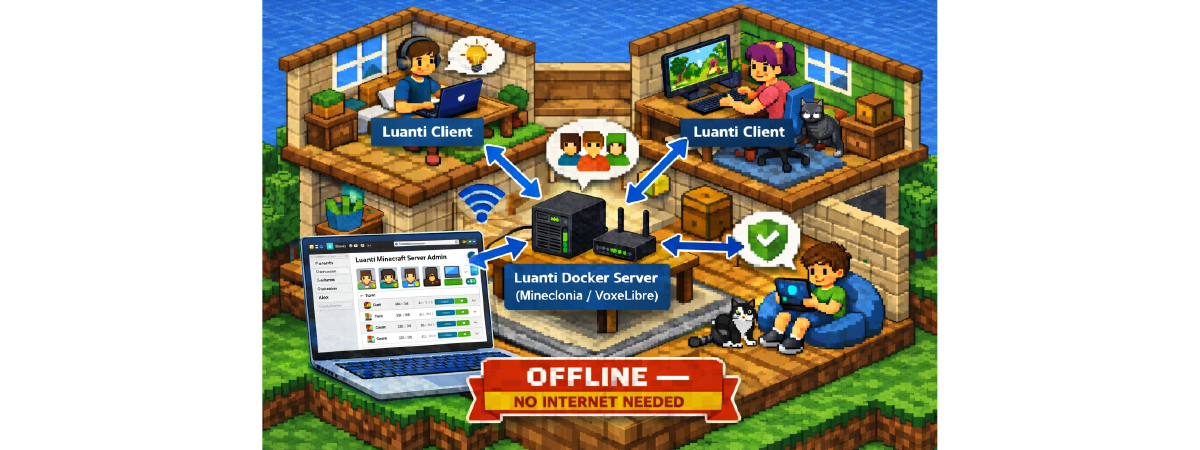

Bring Minecraft-style adventures home — no internet needed.
If your kids love sandbox building games but you’d rather keep playtime inside your home network, Luanti (an open-source Minetest fork) plus this Dockerized home server is a perfect fit.
It ships with two kid-friendly game worlds — Mineclonia and VoxeLibre — including curated mods, texture packs, and a built-in web admin (mtui) so parents can manage everything from a browser.
No Microsoft/Mojang accounts, no public exposure — just a small PC or NAS on your LAN.
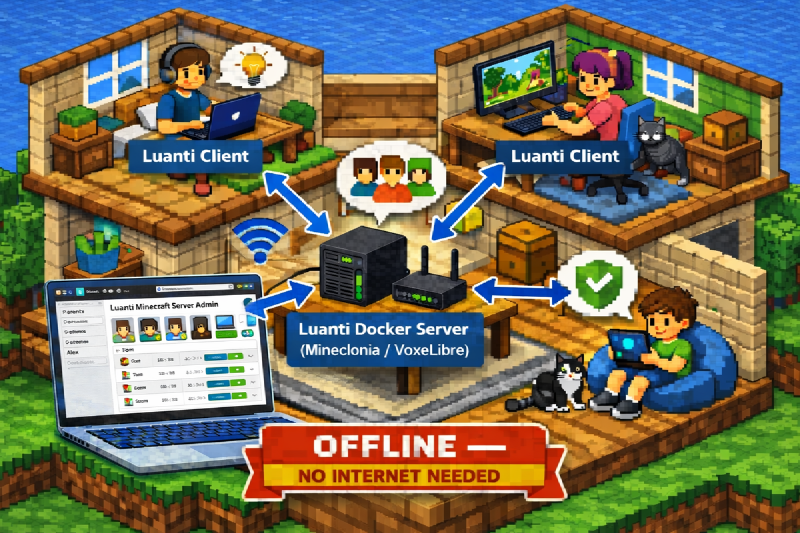
Why it’s great for families #
- Runs completely offline on your home LAN — safe from random internet players
- One admin login for parents; individual accounts for kids
- Easy web dashboard (mtui) to add users, reset passwords, watch chat, and tweak mods
- Optional LAN-optimized settings for smoother Wi-Fi gameplay
Quick start (Docker) #
git clone https://github.com/hackboxguy/minetest-home-server.git

cd minetest-home-server

GAME_SEED=44569 ADMIN_PASSWORD=supersecret docker-compose up -dADMIN_PASSWORD sets your first admin password — change it to your own secret.
Want a custom admin name? Add ADMIN_USER=yourname
GAME_SEED — use any number of your choice to start a new world.
Mineclonia listens on port 30000; VoxeLibre on 30001.
Connect using your server’s LAN IP, for example:
192.168.1.2:30000
Create player accounts #
Option 1: Web admin (mtui) — Recommended #
- Open
http://<server-ip>:8000(Mineclonia) or:8001(VoxeLibre) - Log in with your admin account
- Create users and set passwords
Option 2: Command-line helper (uses default –user=admin) #
./tools/luanti-cli.sh \
  --url=http://192.168.1.2:8000 \
  --password=supersecret \
  --command='/setpassword user1 user1pw'
Repeat for each child, then grant basic permissions via console or mtui:
/grant user1 interactLAN-only performance mode #
If you’re only playing at home, use the LAN-tuned compose file for faster terrain loading:
docker-compose down

docker-compose -f docker-compose.offline.yml up -d
Puzzle chest adventures (great for learning) #
- As admin, run
/chestmodein-game - Select a difficulty (general knowledge, science, math, tech, or random)
- Enable chest mode and place bright pink puzzle chests by left clicking the mouse button
- Players must answer questions to unlock chests and earn points
- The top three players appear on a scoreboard — great motivation for kids!
How kids join #
Direct connect to your local server (e.g., 192.168.1.2):
| Mineclonia | 192.168.1.2:30000 |
|---|---|
| VoxeLibre | 192.168.1.2:30001 |
Kids sign in using the usernames and passwords you created.
Parent tips #
- Use mtui to reset passwords or monitor in-game chat
- Mix free play with puzzle chests for quick learning moments
- Install the Luanti client on kids’ PCs (Windows or Linux)
- Keep your admin password private — kids use their own accounts
That’s it! Spin it up, create a few accounts, and enjoy cozy offline family adventures.